
Menu
This checklist outlines the differences between different types of flash storage and what to look for when considering an all flash array.
Any organisation today should at least have all flash arrays on their radar. Five years ago this wouldn’t be worth doing unless you had an enormous budget or needed to solve some super complicated task quickly. The price of flash has tumbled and will continue to do so for the foreseeable future, but as the price comes down the capacity goes up.
The all flash arrays we provide are designed to work virtualization technologies VMware, Hyper-V, Citrix, VDI as well as storage for Video, CCTV, Post Production, D2D, backup/archiving, The Cloud, data centres and many other applications.
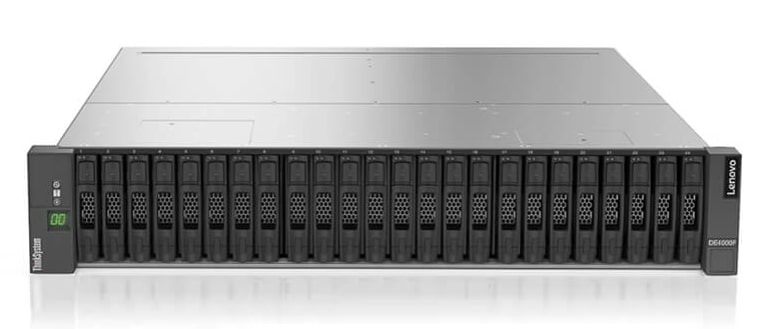
If your thinking about traditional disk storage, also think of this as a flash storage opportunity.
Flash stores data by use an electrical current to etch into Silicon a data bit and this causes Wear Levelling, whereby after so many programmed erase / write cycles the Flash wears out and this could be 10,000, 100,00 or 1,000,000 writes depending on the type of flash used. Manufacturers overcome this problem in a number of ways by using sophisticated algorithms to work out how many times each cell has been used and then automatically re-map those blocks to another portion of Flash Storage.
There are three types of Wear Levelling:
If you want to know more about Flash Wear, please visit this site http://www.radio-electronics.com/info/data/semicond/memory/flash-wear-reliability-lifetime.php
When considering an all flash arrays the features a flash vendor offers might not be deliverable to you i.e. network performance, host controllers, application issues etc. So below is a simple checklist to get you started.

Introduce flash arrays to your business and see immediate results. Putting an SSD into an old laptop will see boot times drop from minutes to seconds and this is exactly what you will see with flash. It greatly decreases response times, writes times and read times for all applications.
If you are serious about future proofing your business for the next 5-10 years then I would have to say “Flash array should have a part to play”. Yes, it is more expensive than spinning disks, but that price is easily offset by the dramatic performance gains for applications and operating systems, energy savings and overall a fantastic ROI. Flash arrays should be your top storage tier and spinning disk used for backup/archiving and general purpose storage. Look for an all flash storage vendor that will allow you to “Pay As You Grow”, this essentially allows you to purchase a solution based on your business requirements for the next 1-2 years, after this time you might want to expand for capacity or performance. Adding a tray of drives or extra controllers shouldn’t mean excessive downtime or service charges, the flash storage should adjust itself automatically with a few simple clicks.
With our extensive knowledge and vendor relationships, we will be able to provide complete flash arrays that fit your requirements and enable your business to flourish.
