
Menu
NAS stands for network attached storage. It is a self-contained storage device that connects to a home, or business network. It contains data storage, processor, memory, circuit board, power supply, and it provides data access to different users on the network. A NAS consists of storage this can be hard disk(s) or SSD(s) that includes a multi disk raid system. NAS removes the responsibility of file saving from other servers on the same network. In 2010, NAS devices gained popularity as it is a convenient way of sharing files between multiple computers, the benefits of doing this is that users get faster access to data, allows for easier administration and is simple to configure.
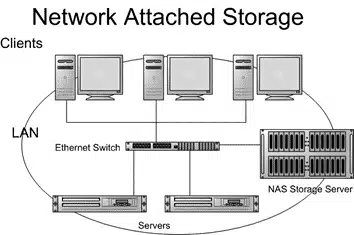
Network Attached Storage (NAS) offers a range of benefits that can enhance your digital experience. One major advantage is centralised storage. Instead of files scattered across multiple devices, everything is housed in one accessible location.
Collaboration becomes seamless with NAS. Multiple users can access and share documents simultaneously, making it ideal for teams working on projects together.
Another key benefit is data redundancy. Most NAS systems support RAID configurations, providing extra layers of protection against data loss due to hardware failure.
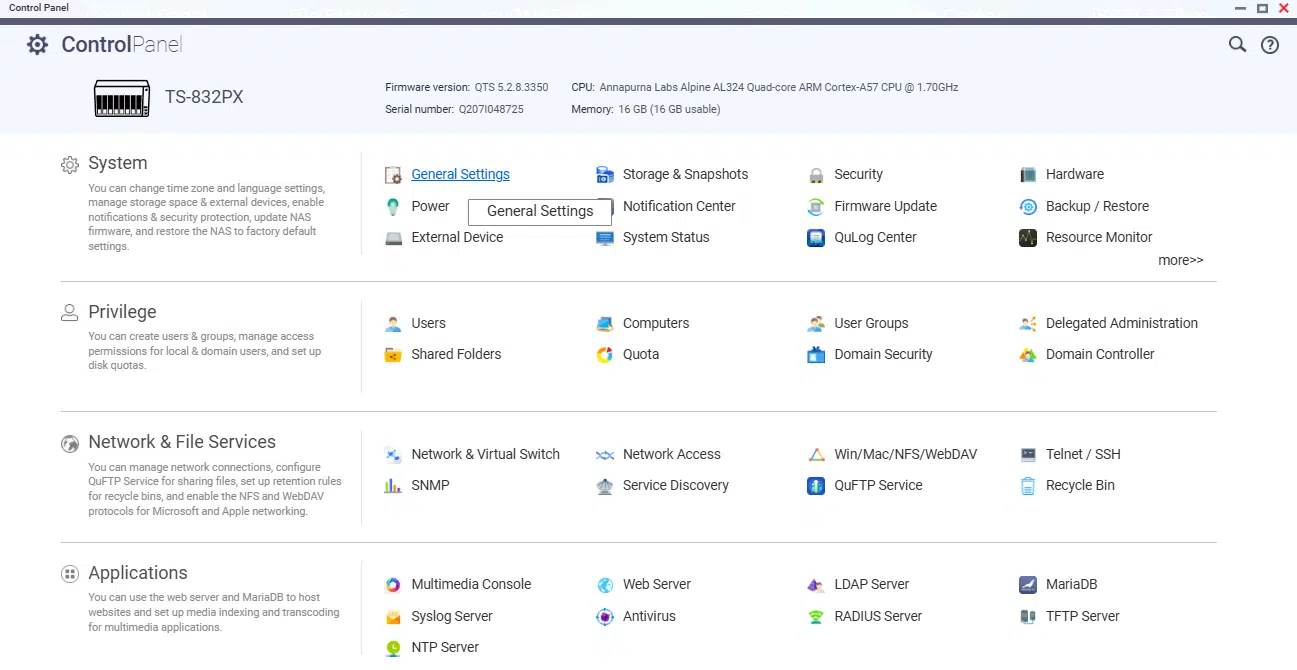
Although a NAS can run software, they are not like a normal server as they have a self-contained operating system (normally Linux). Due to this, they aren’t configured with a keyboard, mouse or monitor, and are controlled over a remote login portal which is usually a web browser.
As time has evolved many of the NAS we offer such as QNAP that is a pre-built and configured appliance, this provides a comprehensive suite of programs to enhance the capabilities of your NAS that may include a file server with active directory or LDAP, you may want your NAS to act as a NVR (Network Video Recorder) for recording CCTV footage or to deliver either block or file storage.
For something that provides enterprise features and functionality we offer euroNAS, this provides clustering, snapshots, thin provision and supports a wide range of servers to which you can load the software.
Before Network Attached Storage became a thing, files were stored on discrete file servers, which meant they had to be maintained and handled individually. They were also separately configured, and if more storage space was required they would have to add more disks or replace the server entirely. Now, with a NAS, if more storage capacity is needed, the appliances can be expanded by inserting more disks, or by clustering the appliances to provide higher scalability levels. NAS vendors sometimes partner with cloud service providers as it gives customers another backup solution for their files.
NAS can be used in the home, or big enterprises. In the home, they’re often used for multimedia storage, (family photos + videos) or to provide a central storage for smart TV’s, CCTV files and other components throughout the home.
In an enterprise, a NAS is used as a backup and archiving appliance, as well as disaster recovery. For smaller businesses, it can be functioned as an email, multimedia or database server. Most NAS appliances can hold enough disks to support a RAID, for better backup and disaster recovery. RAID is where multiple hard disks are turned into one logical unit so it can provide better performance, higher availability and redundancy.
When you first connect your NAS to the network and power on you will need to use DHCP to assign an IP address or login to the WEB GUI using the provided IP address, from here you can setup your NAS to deliver the experience your organisation needs. For example, integrate it with Microsoft Active Directory and let it inherit user permissions, setup the NAS to be a dedicated domain controller, configure your storage to use RAID, you may have a mix of HDD’s, SSD’s and NVMe drives, provide storage pools for file or block access.
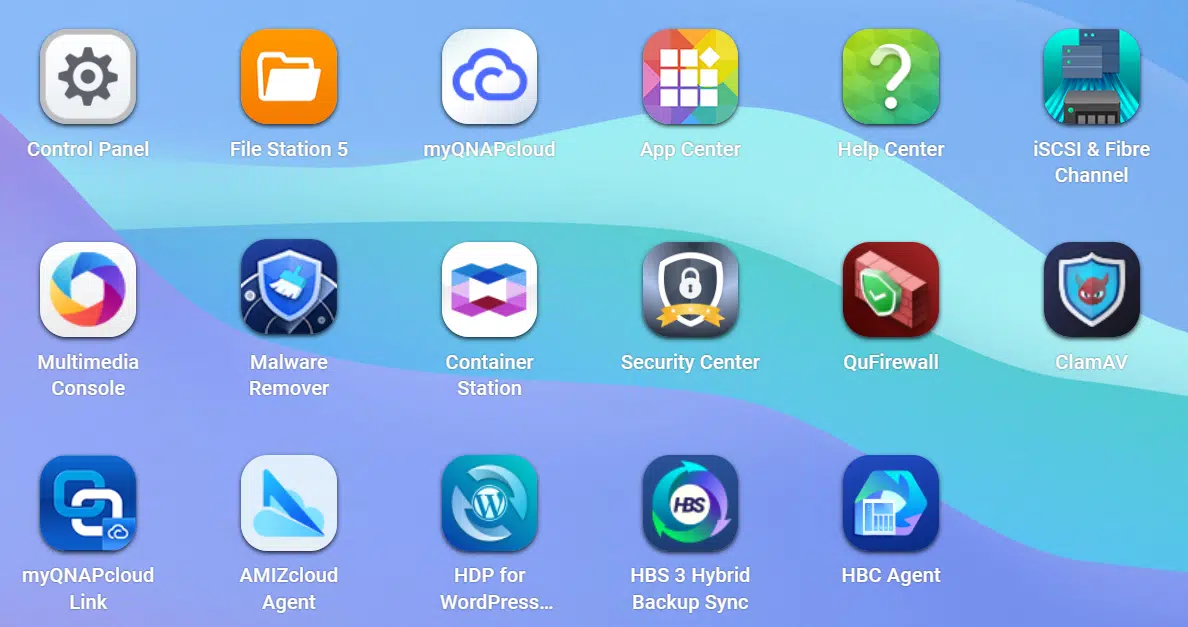
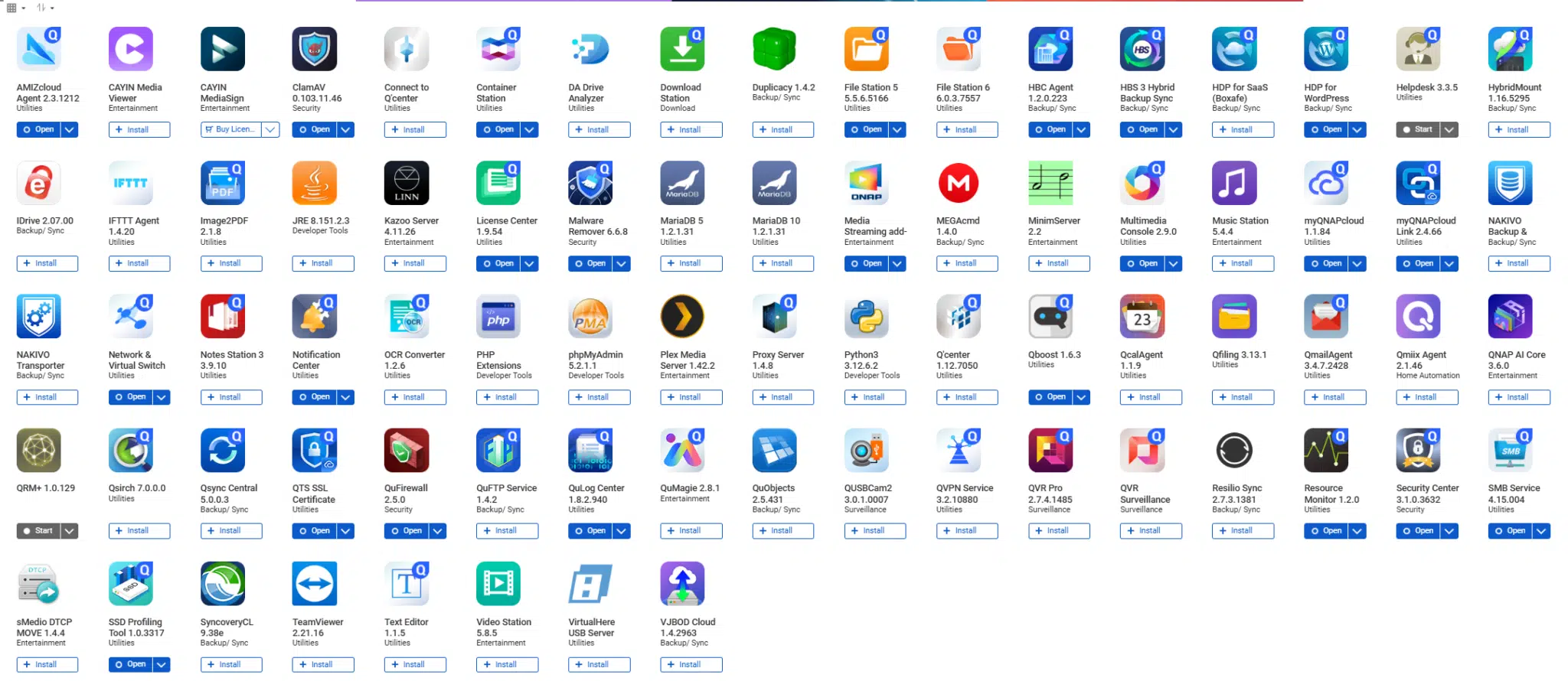
There are a huge variety of applications to choose and below is an image from a QNAP.
Determining if a NAS is the right solution for your storage needs depends on several factors. If you require centralised file access, easy sharing among multiple devices and operating systems, and automated backups, a network attached storage device can be a game-changer.
For businesses or individuals who regularly deal with large files or collaborate with teams remotely, the benefits of having dedicated storage that’s accessible from anywhere cannot be overstated. The versatility of NAS systems allows them to serve as media servers, backup solutions, and even personal cloud services.
On the other hand, if your needs are minimal—like simple document storage or occasional file sharing - you might find traditional external hard drives more cost-effective. It’s essential to assess how much data you need to store and how often you'll require access.
Security features like encryption and user permissions add another layer of appeal for those concerned about data safety. This makes NAS an attractive choice for users prioritising privacy and protection.
Whether or not you invest in a network attached storage device hinges on your specific requirements. Consider what matters most: convenience? Accessibility? Security? Understanding these elements will guide you toward making the best decision tailored to your unique situation.
If you would like to know more about the disk and tape backup solutions we provide please call us on 01256 331614 or email solutions@fortunadata.com
